The transmitter status visible in IntraOp can be used to determine if the client is receiving vitals correctly. It is possible for a client to be disconnected from the vitals server but still connected to the internet; however, if a client is disconnected from the internet the transmitter status will reflect the disconnect.
If the transmitter status is green, the client is receiving vitals from the server (and is connected to the internet):
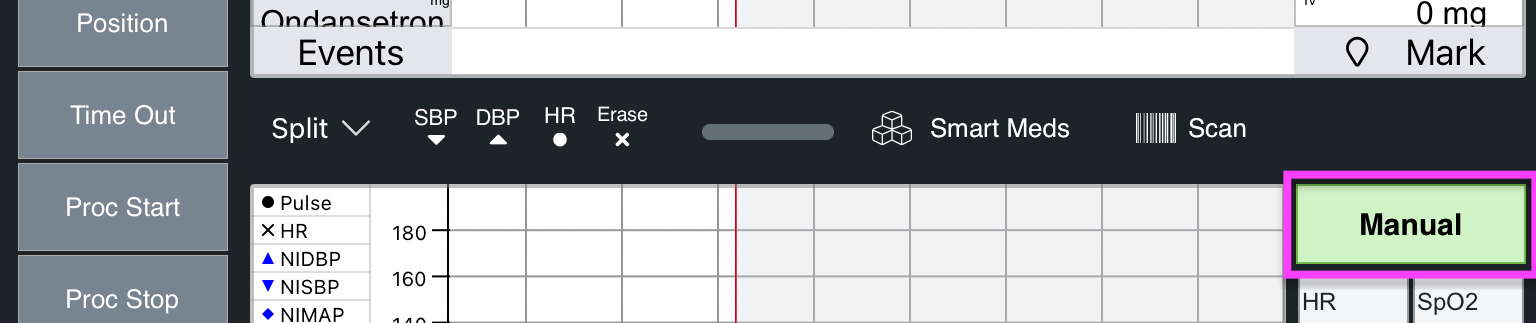
If the transmitter status is red, the client cannot connect to the vitals server or the selected transmitter is offline:

If the transmitter status is red, on iPadOS or Windows, consult instructions in the article What is the first thing I should check if I have a wireless connectivity issue?
Comments
0 comments
Please sign in to leave a comment.